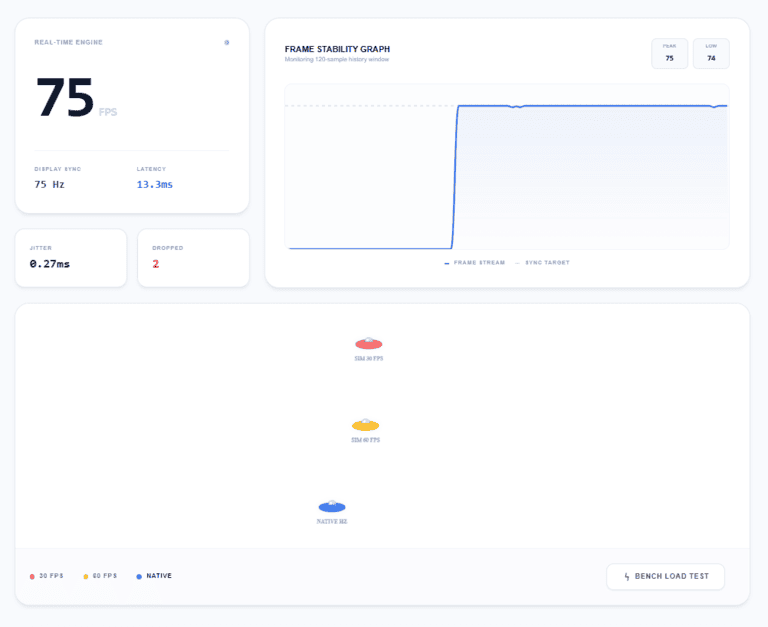
Real-time Engine
...FPS
Display Sync
-- Hz
Latency
0.0ms
Free online FPS test and refresh rate checker. Instantly measure your monitor's frame rate, Hz, latency, jitter, and dropped frames. No download required.
Monitoring 120-sample history window
FPS stands for frames per second - simply put, it's how many pictures your screen shows you every single second. The higher the number, the smoother and more responsive everything looks. Think of it like a flipbook: the more pages you flip per second, the more fluid the animation.
An FPS checker checks that number live, right in your browser. It tells you whether your display is running at full performance or quietly underperforming. No downloads, no sign-ups - open the page and your result appears in seconds.
Professional display testing for every user.
Run a quick frame rate test to see if your display is actually dropping frames.
Verify your new 144Hz display is actually running at its advertised speed.
Identify whether it's a hardware limitation or a software bottleneck.
Test before and after changing settings or updating drivers to see real impact.
It takes about 10 seconds. No sign-up, no software, no settings to fiddle with.
Visit fpstest.app on the device and browser you use daily. The test starts automatically.
Give the numbers a few seconds to stabilize to get the most accurate frame rate reading.
If your FPS matches your monitor's Hz, you're at peak performance. If not, check our fixes below.
Benchmarks tailored for different usage scenarios.
| Use Case | Experience | Target FPS |
|---|---|---|
| Browsing & Video | Perfectly watchable, standard motion. | 30 FPS |
| Everyday Use | Smooth and comfortable - the standard sweet spot. | 60 FPS |
| Gaming & Creative | Noticeably fluid, much quicker response times. | 120 - 144 FPS |
| Competitive Esports | Ultra-smooth - every millisecond provides an edge. | 240+ FPS |
Common bottlenecks and how to quickly resolve them.
Your monitor might be hardware-capable of 144Hz but restricted by OS settings. Access your display properties and ensure the refresh rate test matches your hardware's maximum capability.
Heavy background applications and dozens of open tabs compete for GPU resources. Close unnecessary software and re-run your FPS checker to see immediate improvements.
Outdated GPU drivers are a major cause of inconsistent frame delivery. Check for updates from NVIDIA, AMD, or Intel to ensure your system communicates efficiently with your display.
Laptops frequently throttle performance to conserve battery. Switching to a "High Performance" power profile removes these caps, allowing your frame rate test to hit its true potential.
Clear answers to your most common technical queries.